Manage sources, sync and access
Connect reviewed knowledge, watch indexing health and keep restricted material scoped.
8 minutes
What you'll achieve
Only approved people and answers can use each source, with visible sync health.
Sign in to open your workspaceConnect and control a source
- 1
Open Knowledge to see each connected source, its indexing state and the last indexed version.
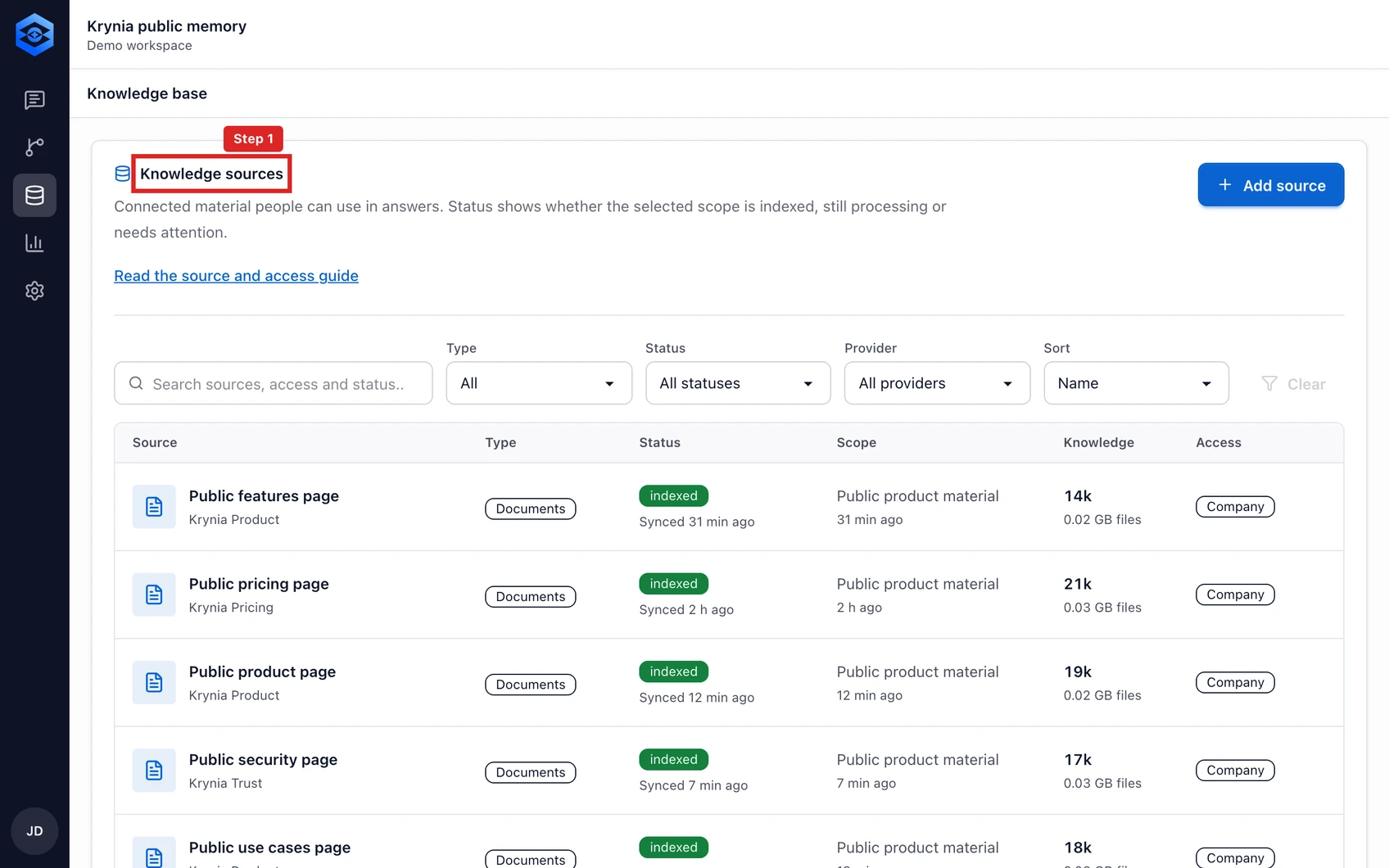
The red outline shows the control or area used in this step. - 2
Select Connect source and choose GitHub for reviewed Markdown or text files. Other providers marked as planned are not available yet.
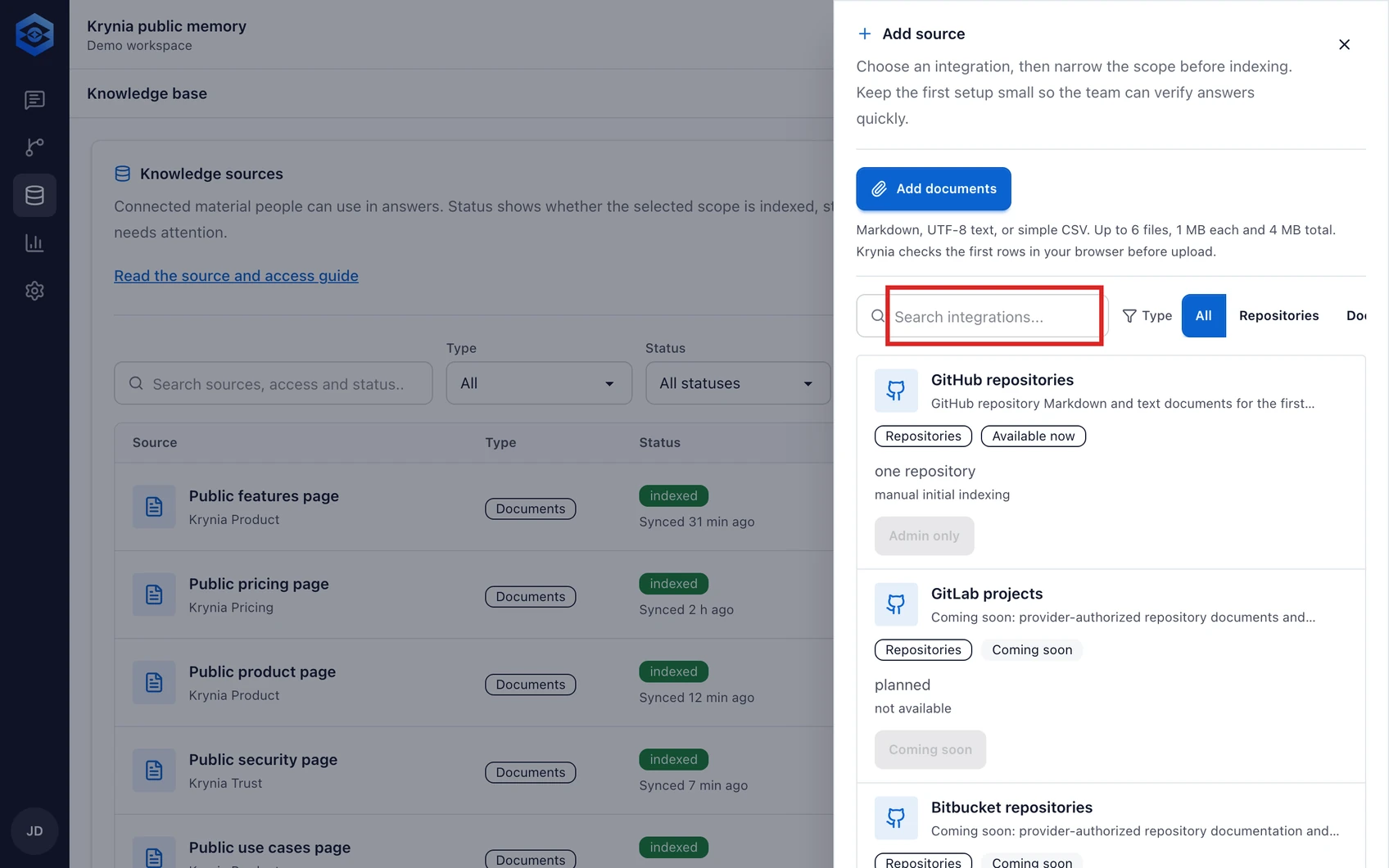
The red outline shows the control or area used in this step. - 3
Krynia checks public GitHub sources daily and reindexes only when the branch commit changes. Use Sync now whenever you need an immediate refresh; uploaded files reindex manually.
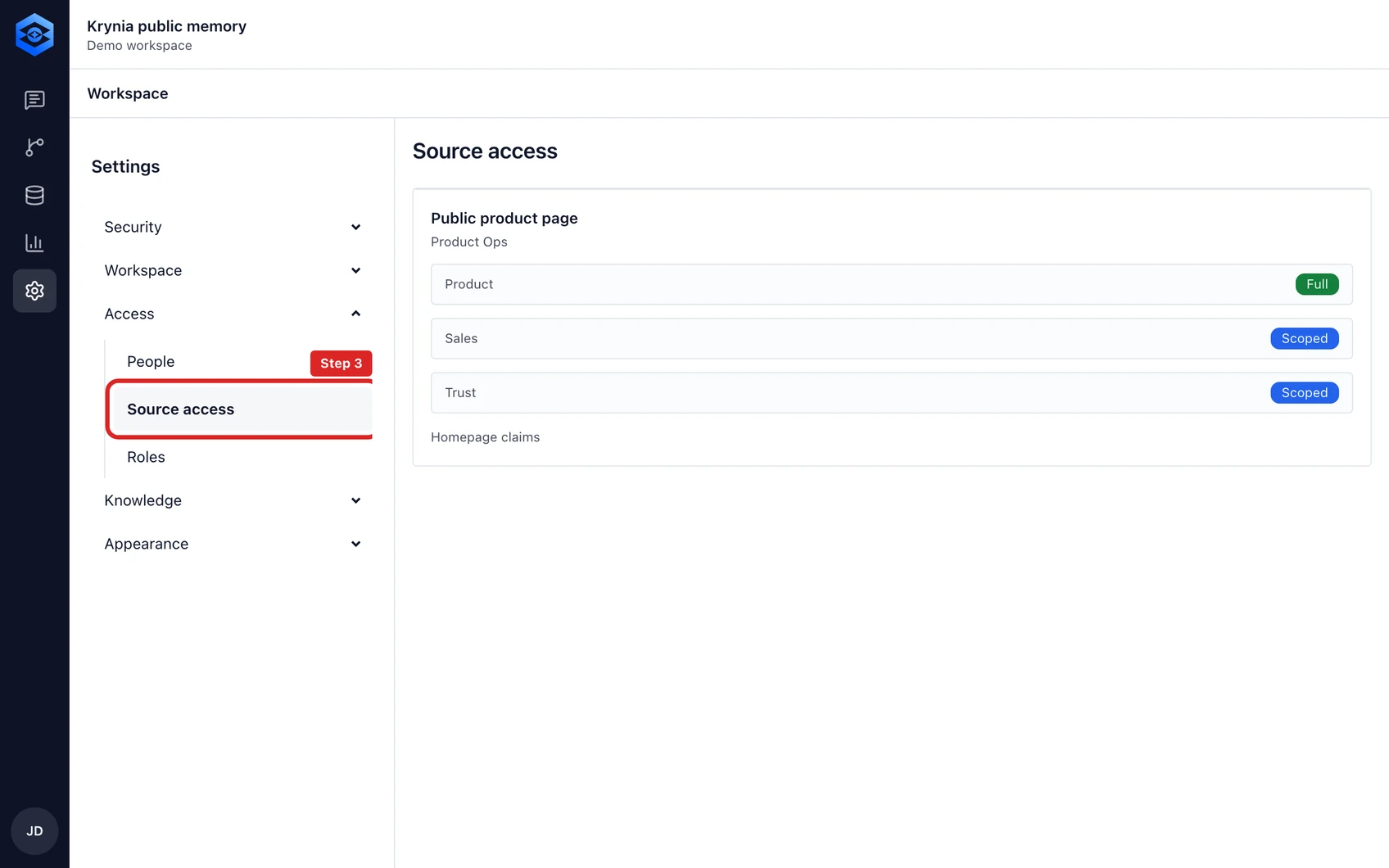
The red outline shows the control or area used in this step. - 4
Source access currently follows workspace membership. Use People to review members and roles before connecting material for that workspace.
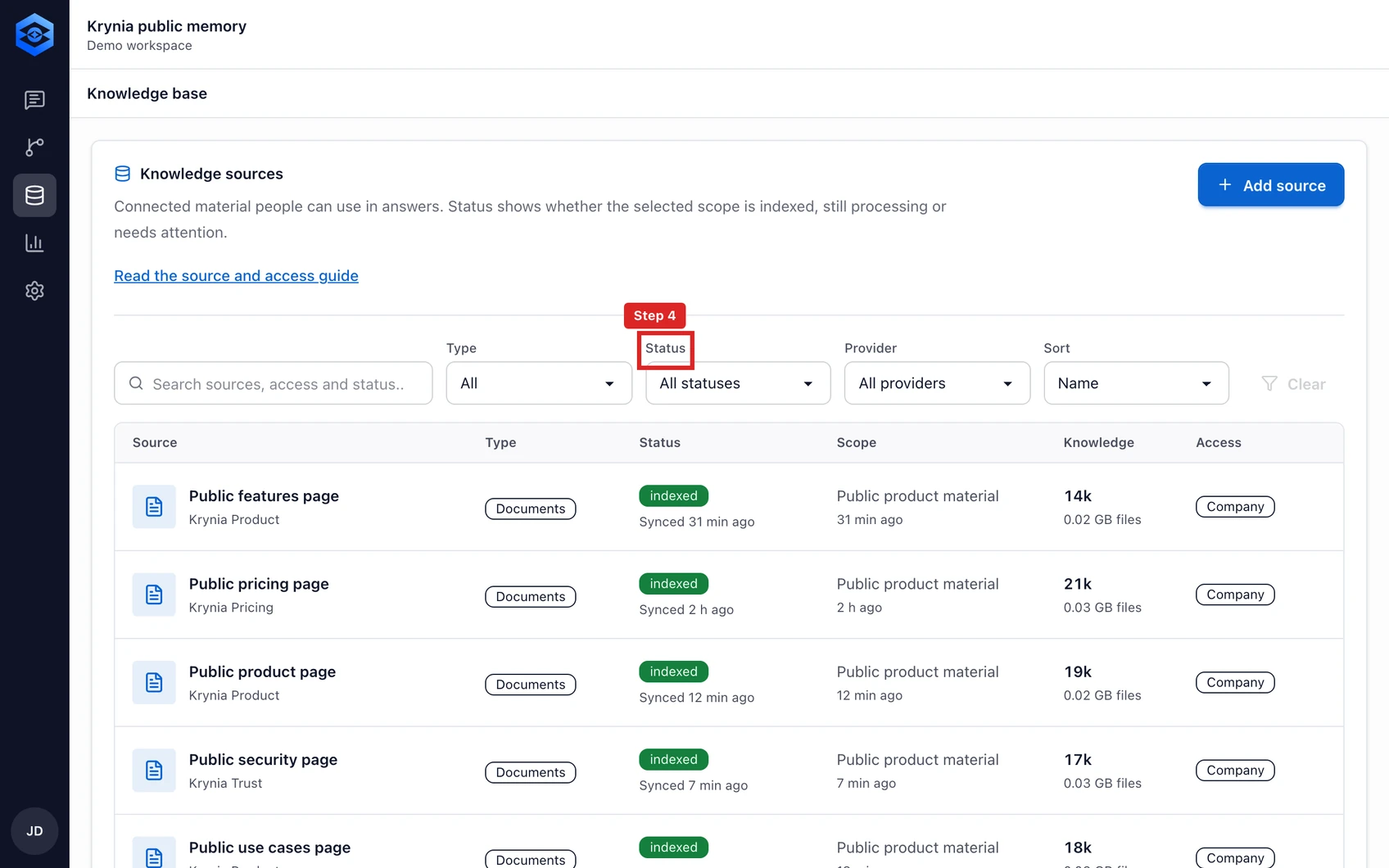
The red outline shows the control or area used in this step. - 5
Disconnect a source when it should no longer be searchable. Krynia removes its active generation first, then deletes the source artifacts and citations.
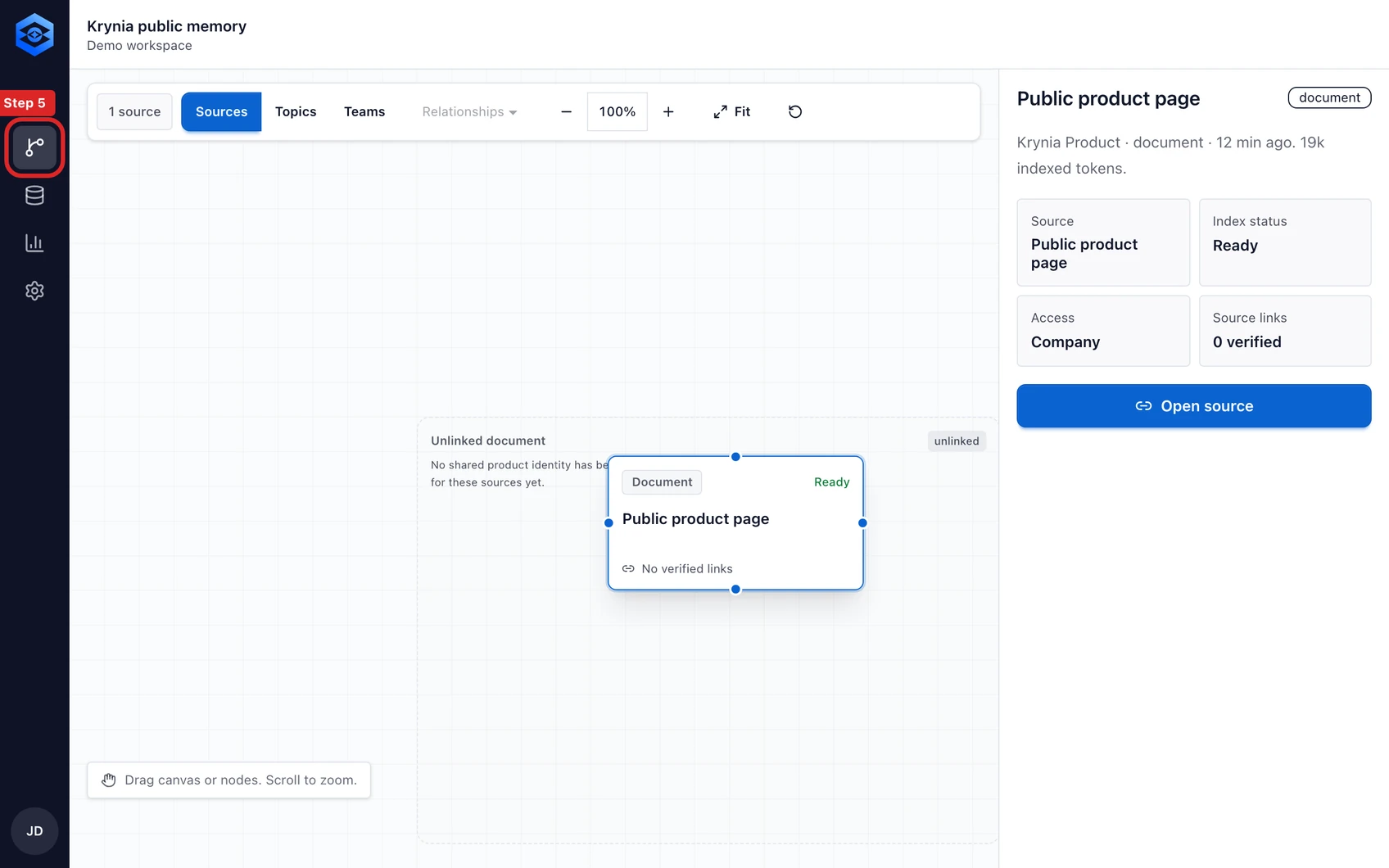
The red outline shows the control or area used in this step.


The current public GitHub connector does not import GitHub repository permissions. Connect only material that every member of this Krynia workspace may search.